Openers · Cainsville
Garage Door Remote and Keypad Programming in Cainsville
The outdoor keypad worked all summer.
In plain words
Most remotes that refuse to pair were never going to. Garage door openers have gone through several radio generations since the mid-1990s, and a remote made for one generation is invisible to a receiver from another. The learn button on the head unit, its colour on many makes, and the model label tell the technician which generation you have. The right remote or keypad is chosen from the maker's compatibility chart before any packaging is opened, or a universal control that speaks several generations is used. Programming then takes a moment, because the two sides can finally hear each other.
How the visit goesAfter the move, the previous owner's remotes are somewhere in another city and the keypad on the outside wall wants a code nobody wrote down. The wall button works. Nothing else does, and you have no idea who else can open your garage.
Garage Door Remote and Keypad Programming
How the visit goes
Is the opener itself ready?
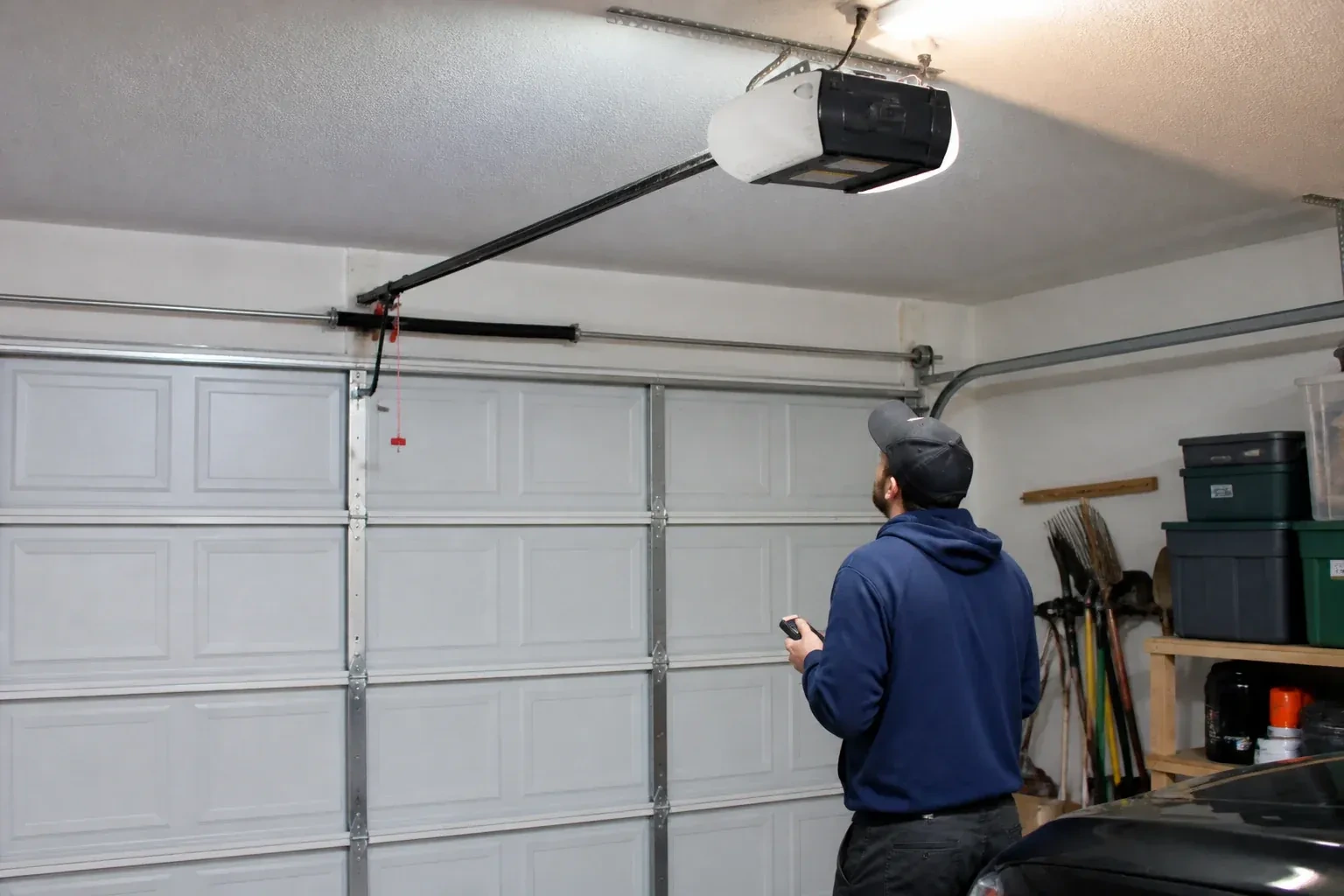
Programming only takes when the opener is in a state to accept it, so the first minutes are spent on the unit rather than the remote. The technician confirms the head unit has power and responds to the wall control, checks that the lock indicator is not blinking, and looks at the photo-eye lights near the floor to see the beam is aligned. The door is run through a cycle to be sure it travels and reverses properly. If the wall button moves the door and the remotes do not, the fault is on the wireless side and programming is likely to help; if nothing moves the door, the visit becomes a repair first.
Releasing lock mode and other simple resets
Some remotes are dead because the opener has been told to ignore them. The wall control's lock or vacation feature does exactly that, and shows itself as an indicator that blinks continuously and an opener light that flashes twice when a remote is pressed. The technician holds the lock button until the blinking stops and every remote comes back at once. A single remote with a stuck button, a bent battery clip or corroded contacts is opened and repaired or replaced. These are quiet fixes, but they are done deliberately and tested, because a household that thinks it has a programming problem often has a switch problem.
Adding a control yourself next time
Because you watched the pairing, you know where the learn button lives under the light cover, what a short press does and, just as importantly, your opener's own erase sequence. Confusing the two is the cause of many surprise lockouts. You have the compatibility details for your opener written down, so the next remote you buy is the right generation, and you know that unplugging the opener during a long absence does not erase anything. Most households can add a remote themselves after seeing it once.
Garage Door Remote and Keypad Programming
In the van
Add-on rolling-code receiver kit
AAA and nine-volt keypad batteries
Multi-door keypad
In-vehicle compatibility bridge module
Wireless outdoor keypad
Garage Door Remote and Keypad Programming
What affects the quote
Compatibility of the accessory
A remote matched to the opener's generation is programmed as it is. One of the wrong generation is swapped for a compatible or universal model, and that device is a separate line.
Connected features
Linking or unlinking a phone app, or checking that a previous owner's account is removed, is quoted as its own step alongside the remotes and keypad.
Distance to your door
Travel is part of the visit, and a house across town and a property well outside it involve different driving time.
What to have ready
- Do you have a keypad outside, and does anyone still know its code?
- Does the wall button move the door normally right now?
- How many cars need built-in buttons trained, and what model years are they?
Garage Door Remote and Keypad Programming: questions
QuestionsHow do I program the built-in button in my car?
Often in two steps, on a common HomeLink-style setup. First the car learns a working handheld remote: hold the remote close to the mirror or console and press its button together with the vehicle button until the indicator changes. Then the opener learns the car: press learn on the head unit, walk back to the car within the window that follows, and press the trained button repeatedly until the door responds. Some vehicle systems use a different sequence with no handheld remote, so the vehicle manual is checked first.
Can a keypad work with any opener?
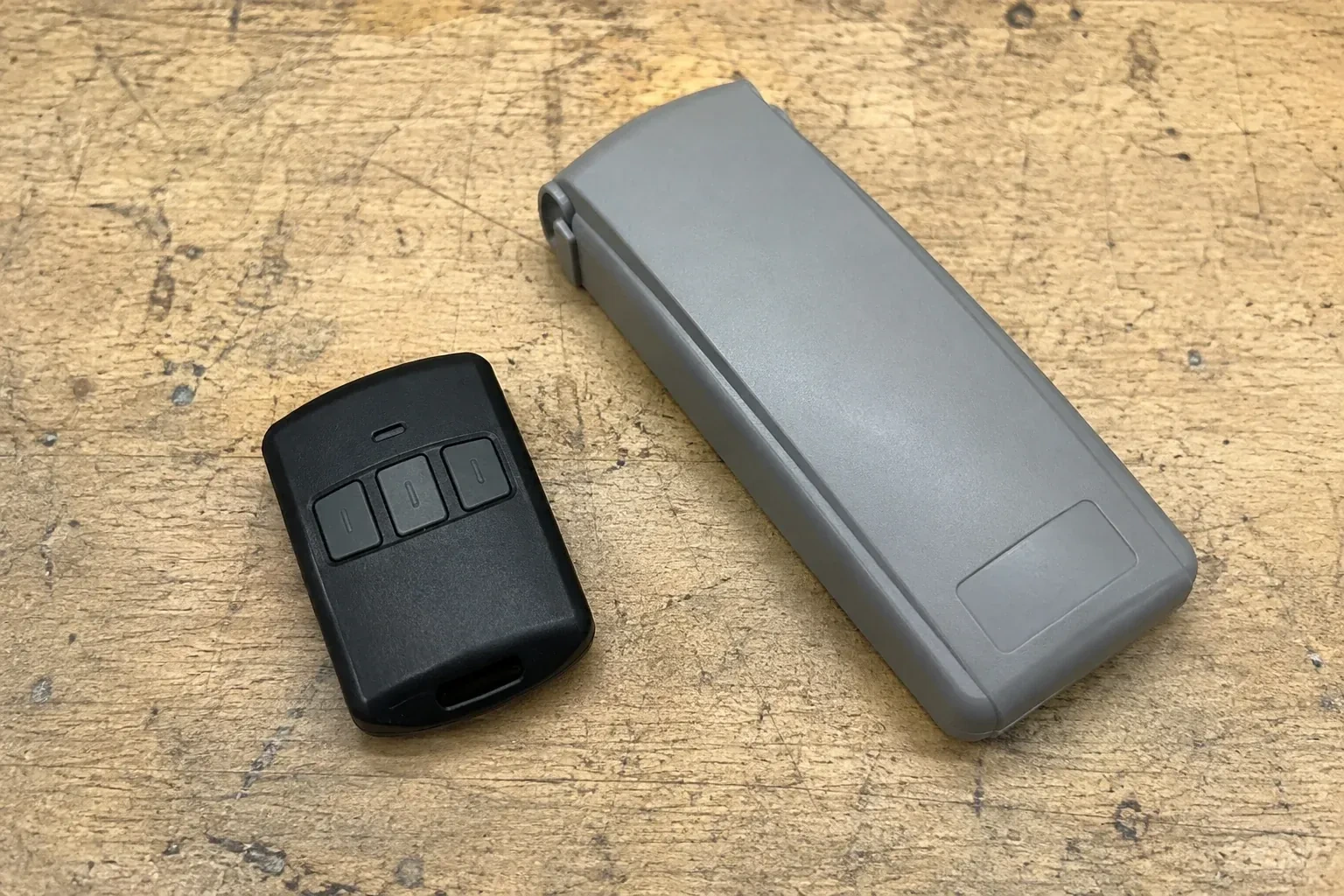
A keypad, like a remote, must match the opener's radio generation. Makers publish which keypads suit which openers, and universal keypads cover most units made since the mid-1990s. Very old fixed-code openers need an add-on receiver first, and then a keypad pairs with that receiver. The technician checks the match before the keypad's packaging is opened, so you do not end up with a device that lights up but cannot be heard.
How is the keypad code chosen and can I change it later?
You choose it at programming time: four digits on many keypads, three to eight on others. Avoid the house number, a birth year or a repeated digit. The code is entered into the keypad, confirmed at the opener, and kept off the paperwork. Changing it later follows the instructions for your model and takes a couple of minutes, and the technician can show you the sequence before leaving.